
Weekly Work Schedule Template: Free Excel & PDF
Free weekly work schedule template for Excel and as a printable PDF: start and finish times, hours against the contract, rest checks and a monthly plan.
Updated November 2026 · Excel and PDF · no sign-up
Without Excel: do it in medishift instead, start for free →
What's in the template
Each sheet has one job. This is how they work together.
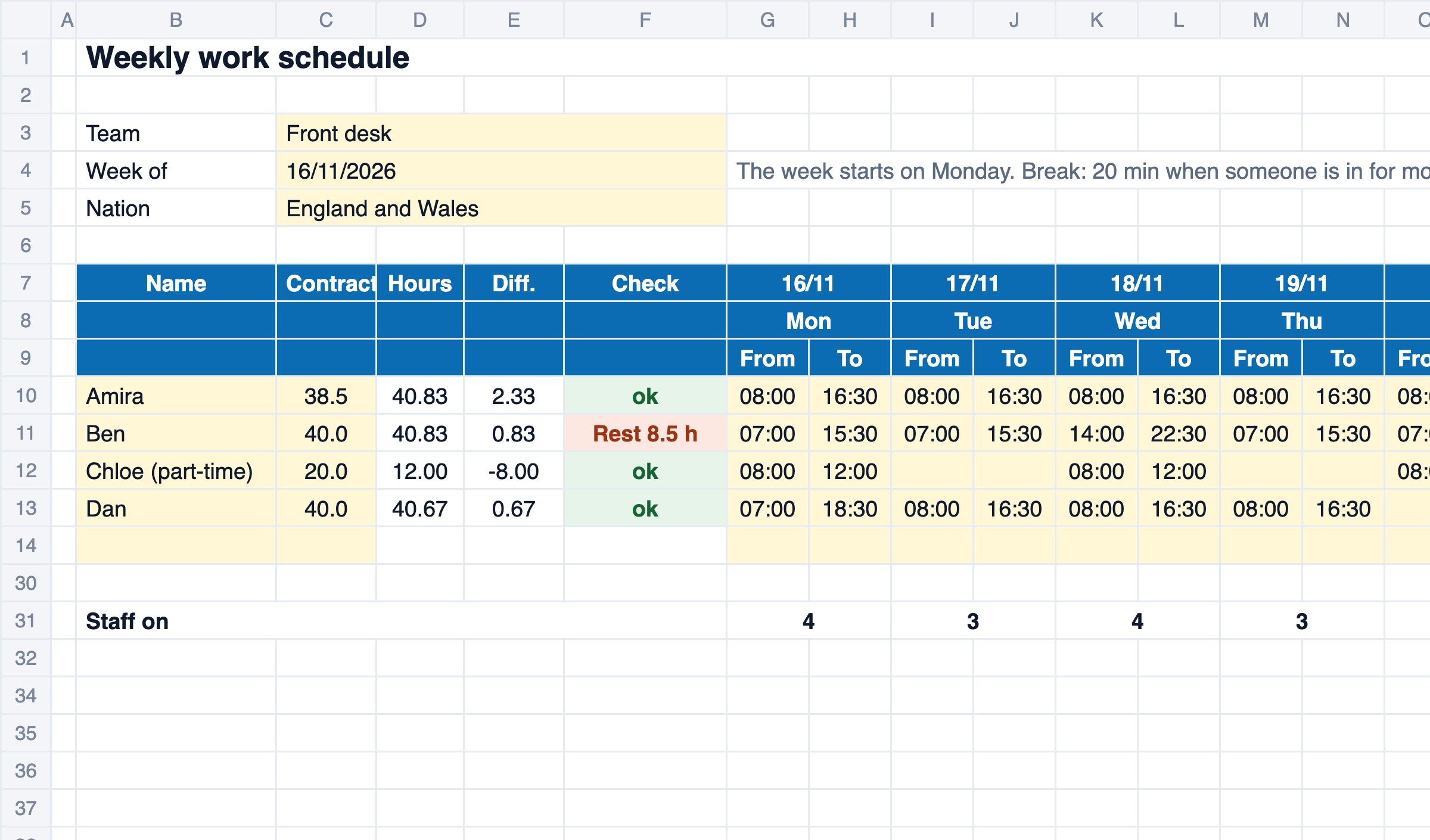
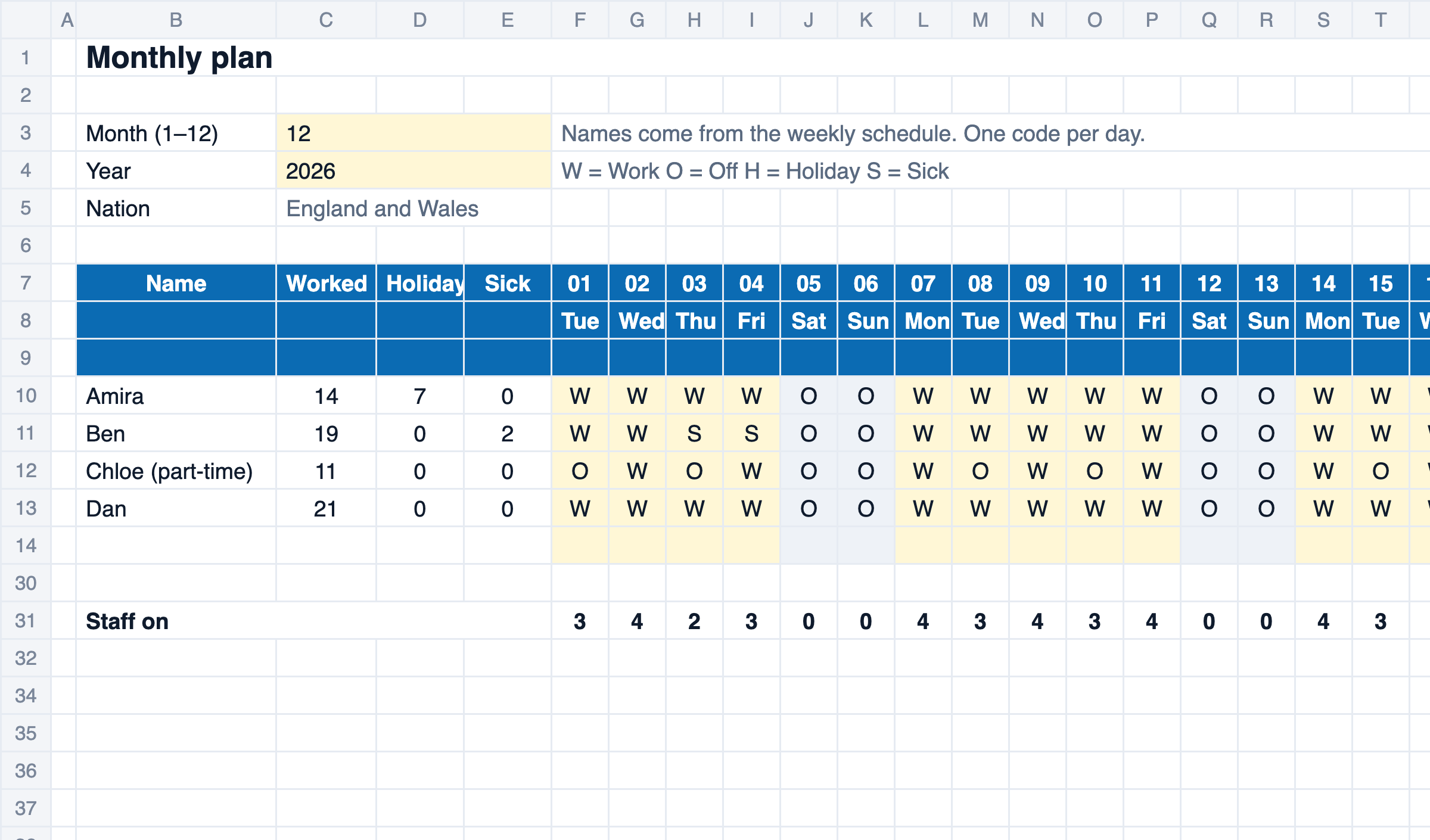
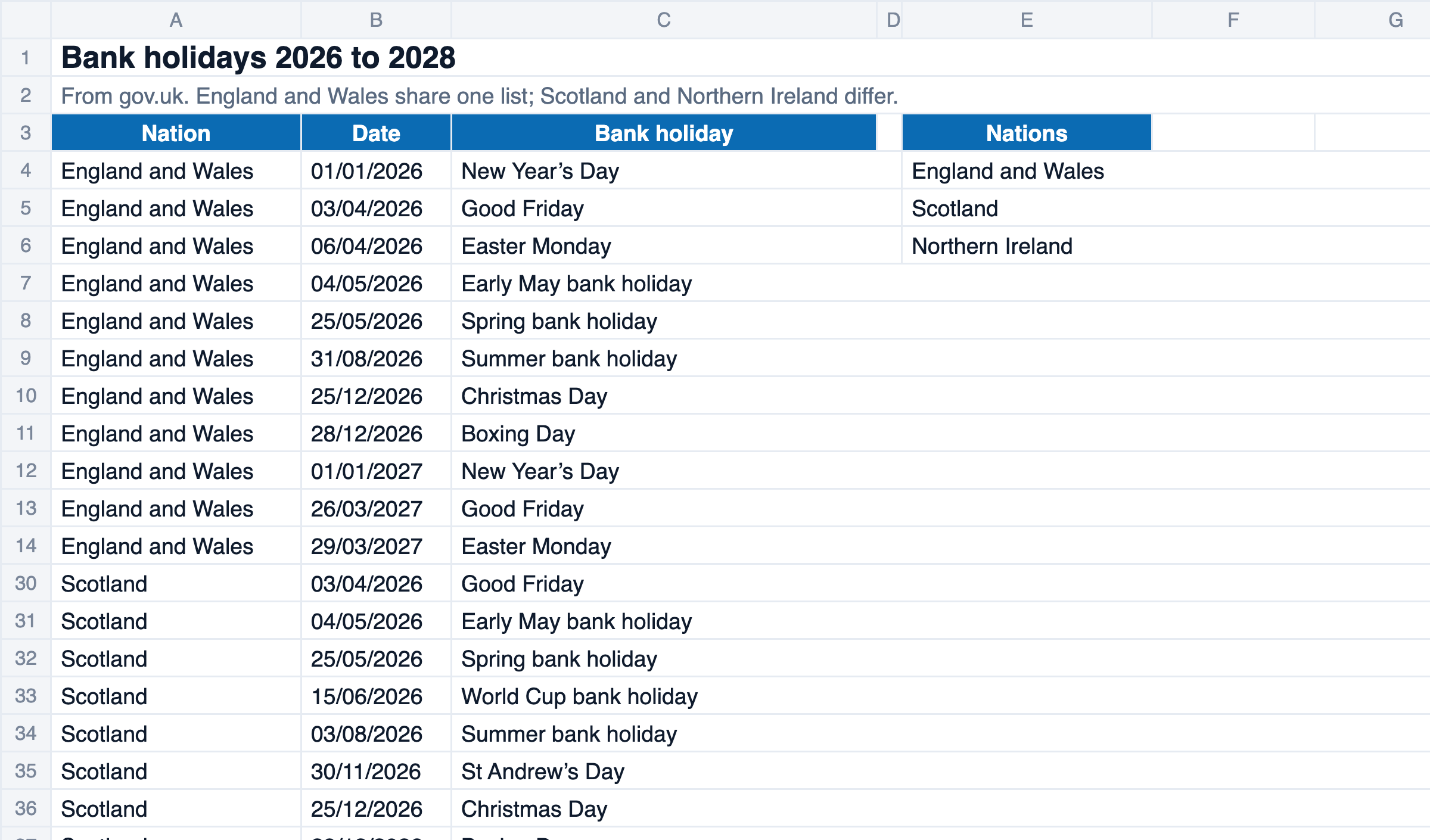
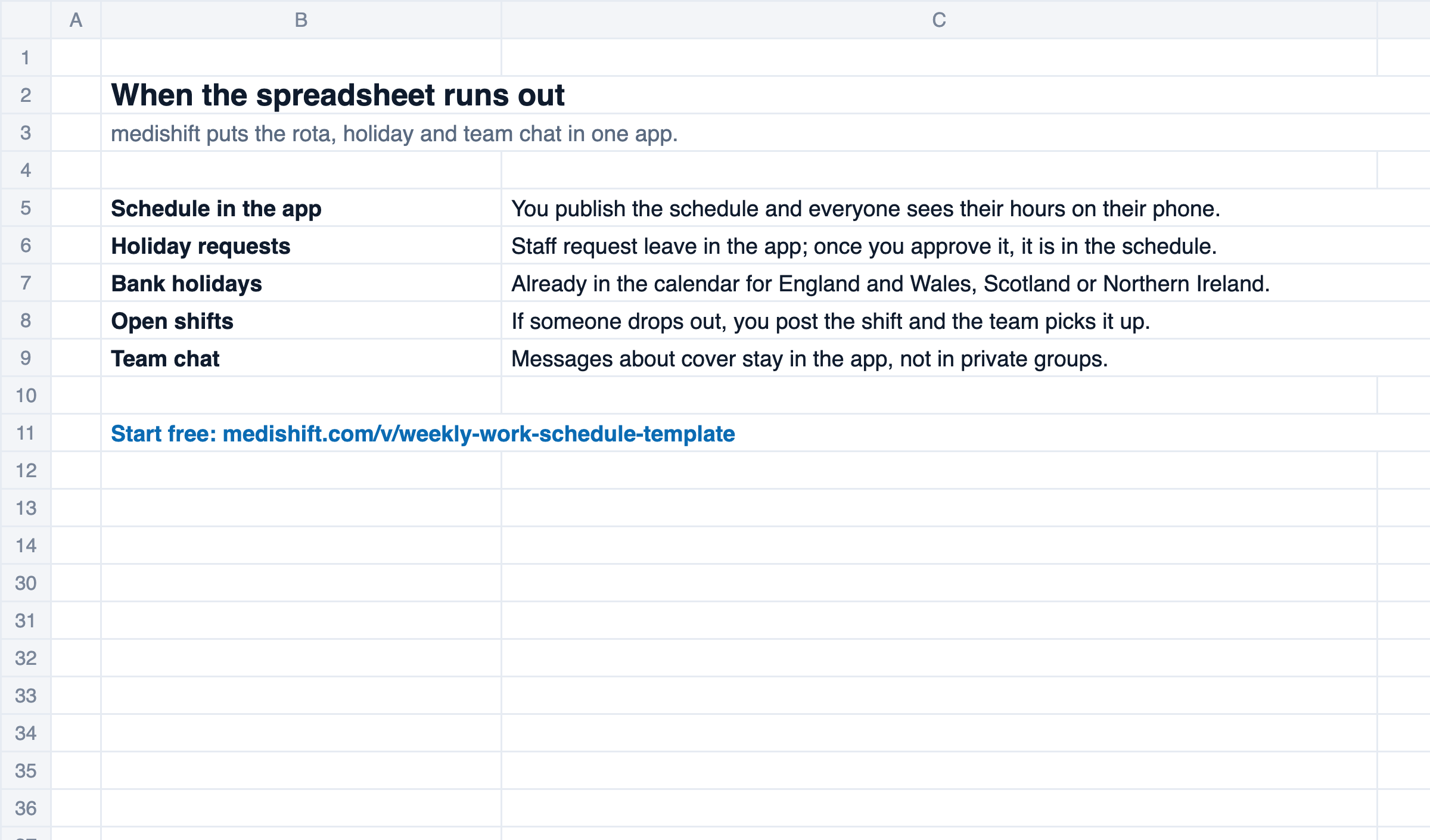
This weekly work schedule template plans a week with times rather than shift codes: for each person and day you enter a start and a finish, the file takes off the break, works out the hours against the contract and checks the rest between two days. A monthly plan shows work, holiday and sickness across the month. To print, there is the weekly schedule as a blank PDF.
How to fill in the template
- On the ‘Weekly schedule’ sheet, enter the team, a date in the week and your nation. The schedule starts on the Monday.
- For each person enter the name and contracted hours per week, then a start and finish time for each day.
- Read off the hours, the difference to the contract and the check, and adjust the schedule.
- On the ‘Monthly plan’ sheet, enter month and year and pick a code for each day.
- Print the schedule or send it to the team as a PDF.
How the template calculates
Hours = finish − start − break (if the finish is before the start, it is the next day)Break = 20 minutes when someone is in for more than 6 hoursDifference = hours in the week − contracted hoursRest = start today + 24 hours − finish yesterday| At least 11 hours of rest between two working days | WTR 1998 reg 10 |
| 20-minute break when working time is more than 6 hours | WTR 1998 reg 12 |
| Weeks over 48 hours marked, because 48 is the average over 17 weeks | WTR 1998 reg 4 |
What a rota template has to contain, and the rest rules that catch people out →
Limits of the template
For a small team the file is enough. This is where it reaches its limits.
- One sheet is one week. For the next week, save the file again or change the date.
- Rest from the Sunday of the week before is not checked.
- The break is a flat 20 minutes above six hours. If your breaks are longer, plan a later start or an earlier finish.
- Northern Ireland has its own Working Time Regulations (2016) with the same limits under different regulation numbers.
- Rules for young workers, night workers and collective agreements are not checked.
- The team only sees the schedule once you print it or send it round.
Excel schedule or medishift
The template is enough if you plan the week by hand. If the schedule should be ready faster, follow your own rules and reach the team straight away, medishift does that with the AI assistant Kira.
| Criterion | Excel template | medishift |
|---|---|---|
| Schedule to the team | partly: print it or email it | yes: publish it, everyone sees it in the app |
| Holiday requests | partly: by word of mouth or on paper, then type H | yes: request in the app, in the schedule once approved |
| Building the schedule | partly: row by row by hand | yes: Kira fills the week by your rules, you accept the suggestion |
| Someone drops out | partly: ring round, then change the file | yes: open shift, the team picks it up |
| Schedule on the go | partly: printout on the wall | yes: app for iOS and Android |
Automatic weekly planning with Kira is not part of the free plan of medishift. You can try every feature for the first 14 days.
The schedule on their phone, not on the wall
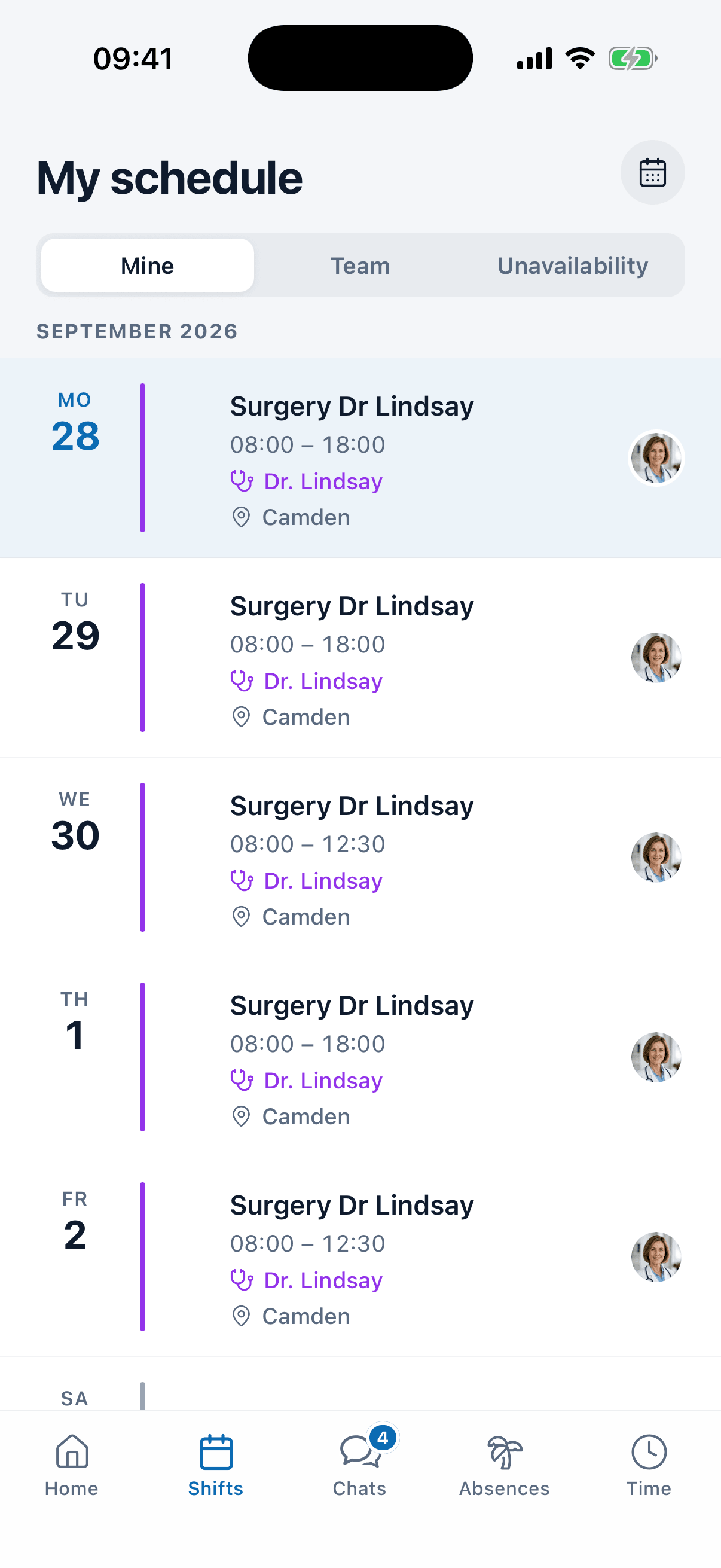
In medishift you publish the schedule and everyone sees their hours in the app. Holiday requests come in there too, and you approve them with one tap.
See medishift in 30 minutes
We show you, using your own team, how rota, time tracking and leave work together without Excel. Pick a time that suits you.
- 30 minutes
- Via Google Meet
- Free and without obligation
1. Pick a slot
Wednesday 18 November
FAQ: Weekly Work Schedule Template
People often use the words for the same thing. This template plans with times: who works on which day from when to when. Our rota template for Excel plans with fixed shifts and codes over four weeks instead.
Yes. Besides the Excel file there is the weekly schedule as a blank PDF to print and fill in by hand. You print the monthly plan from Excel.
When someone is in for more than six hours it takes off 20 minutes, the minimum rest break under regulation 12 of the Working Time Regulations 1998. Whether the break is paid depends on the contract.
For each person the first finding of the week: less than 11 hours of rest between two working days (regulation 10). The hours of a week above 48 turn yellow, because the legal limit is an average over 17 weeks. Without a finding it says ‘ok’.
Yes. If the finish is before the start, it counts into the next day, so 22:00 to 06:00 is eight hours on site, or 7 hours 40 minutes after the 20-minute break.
Yes. The file uses only functions that Excel and Google Sheets both know, so the totals and checks work after you upload it to Google Drive.
Related templates
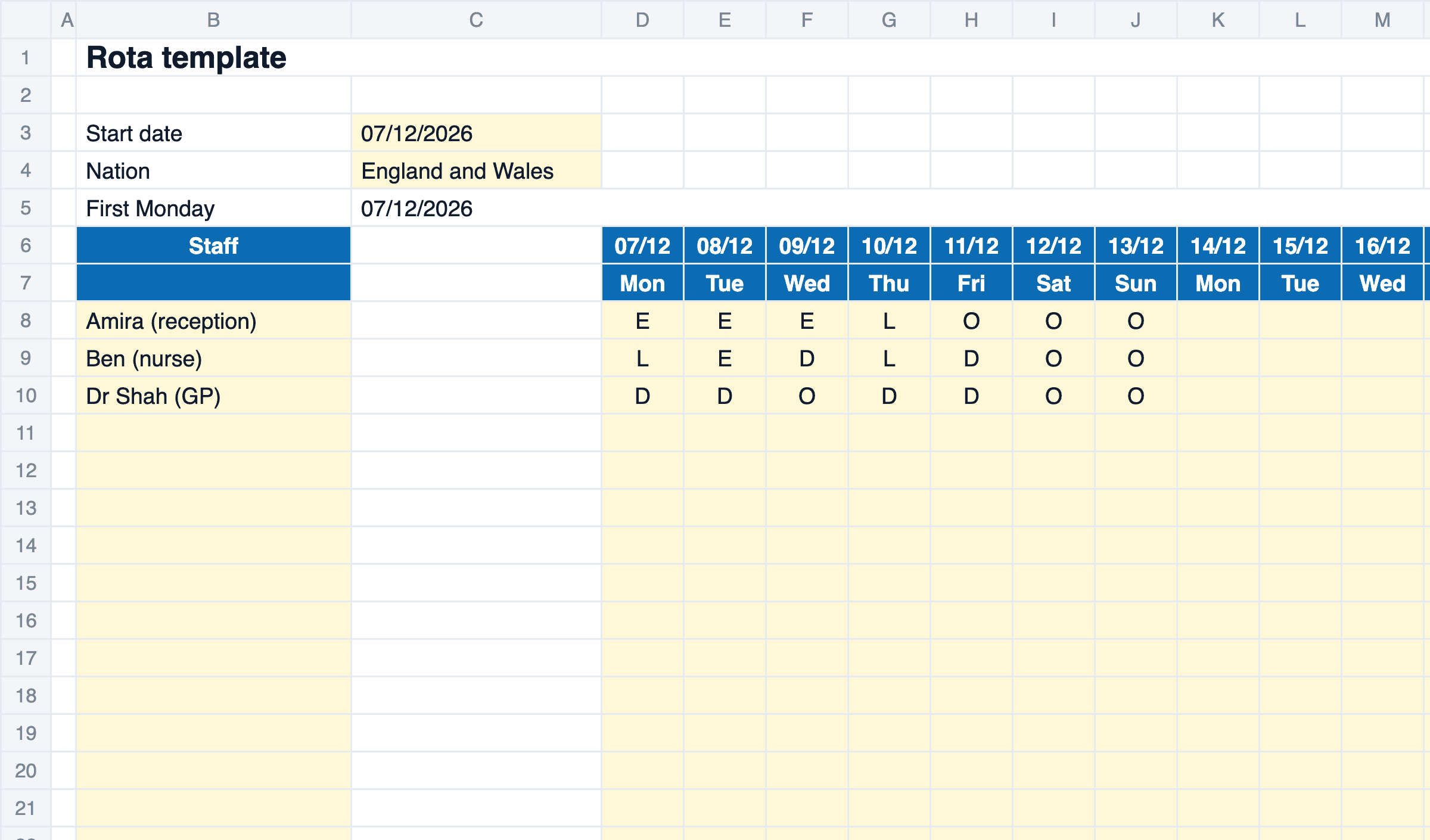
Rota Template Excel: Free 4-Week Staff Rota
Free rota template Excel: four weeks for up to 15 staff, with rest and break checks under the Working Time Regulations and bank holidays for each UK nation.
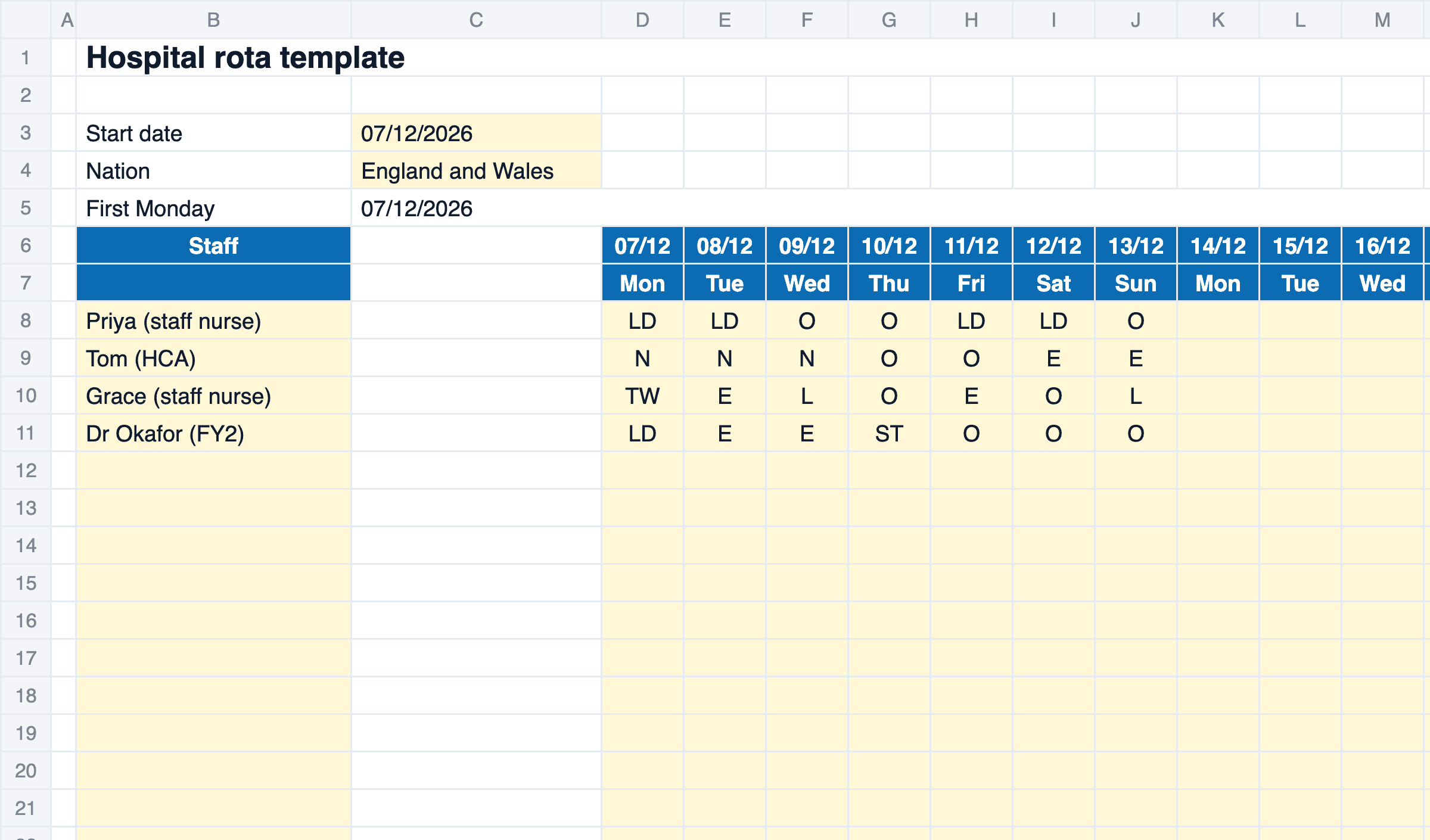
Hospital Rota Template: Free 24/7 Ward Rota
Free hospital rota template for Excel: long days, nights and twilights for up to 25 staff over four weeks, with rest and break checks and UK bank holidays.
Timesheet Template with Overtime: Excel & PDF
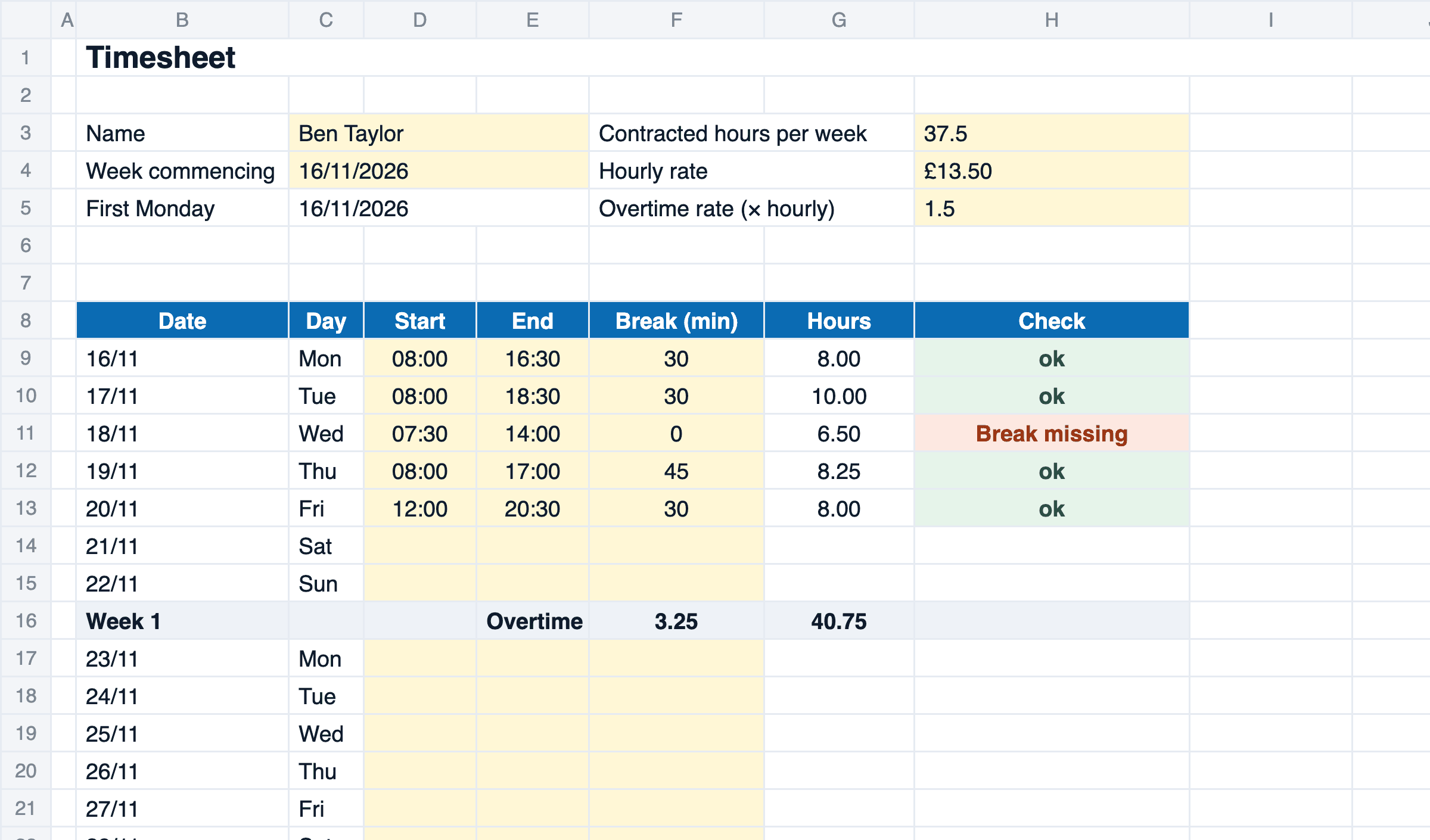
Free timesheet template for Excel and as a printable PDF: four weeks for one person, with weekly overtime, pay at your overtime rate and break and rest checks.