
Scheduling for your practice
Medical practice scheduling software in which consultation hours, early and late duty and split shifts are shift types of their own. As you assign, medishift checks rest time, double bookings and absences.
- Custom shift types for consultations, on-call and split shifts
- Working areas such as reception, lab and treatment room
- A shift can be assigned to a treating practitioner as well
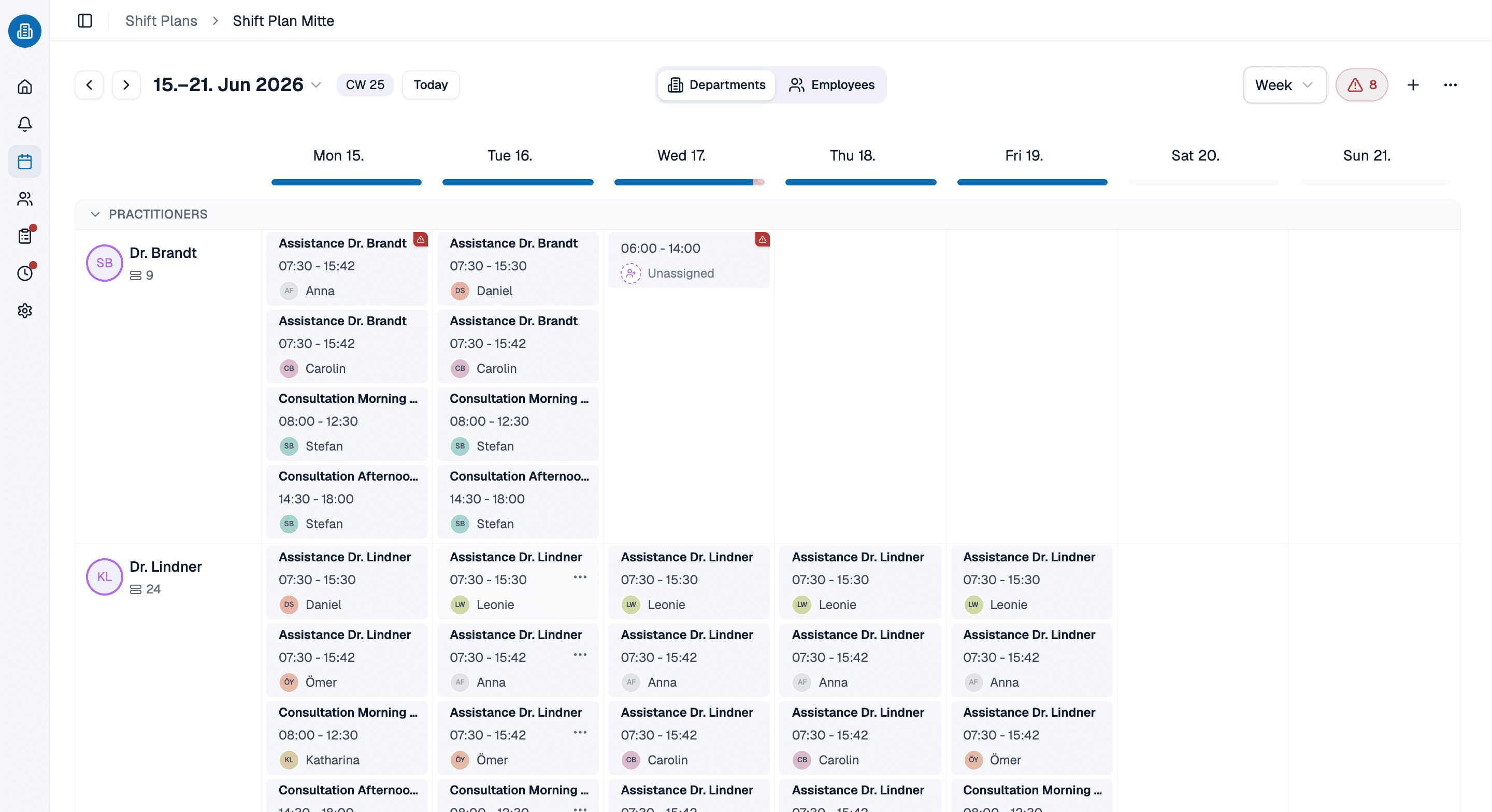
More than 100 practices already trust medishift






From consultation hours to cover
Before and after
Without a digital plan in the practice
- The plan hangs in the back office until someone overwrites it.
- Consultations, lab and reception sit in the same column.
- A broken rest period only comes to light afterwards.
- When someone drops out, a person works down the phone list.
- Anyone who wants to know their shift rings the practice.
With scheduling from medishift
- One state, visible to leadership and team, on every device.
- Every working area has staffing of its own.
- Rest time and double bookings report themselves as you assign.
- The replacement request shows who can genuinely step in.
- Everyone sees their own shifts in the app.
Who is this for?

General practices
Covering consultations, reception and lab with a small team, without a gap surfacing on the morning itself.

Specialist practices
Treatment rooms and equipment tie staff to fixed times, and not everyone can take on every area.
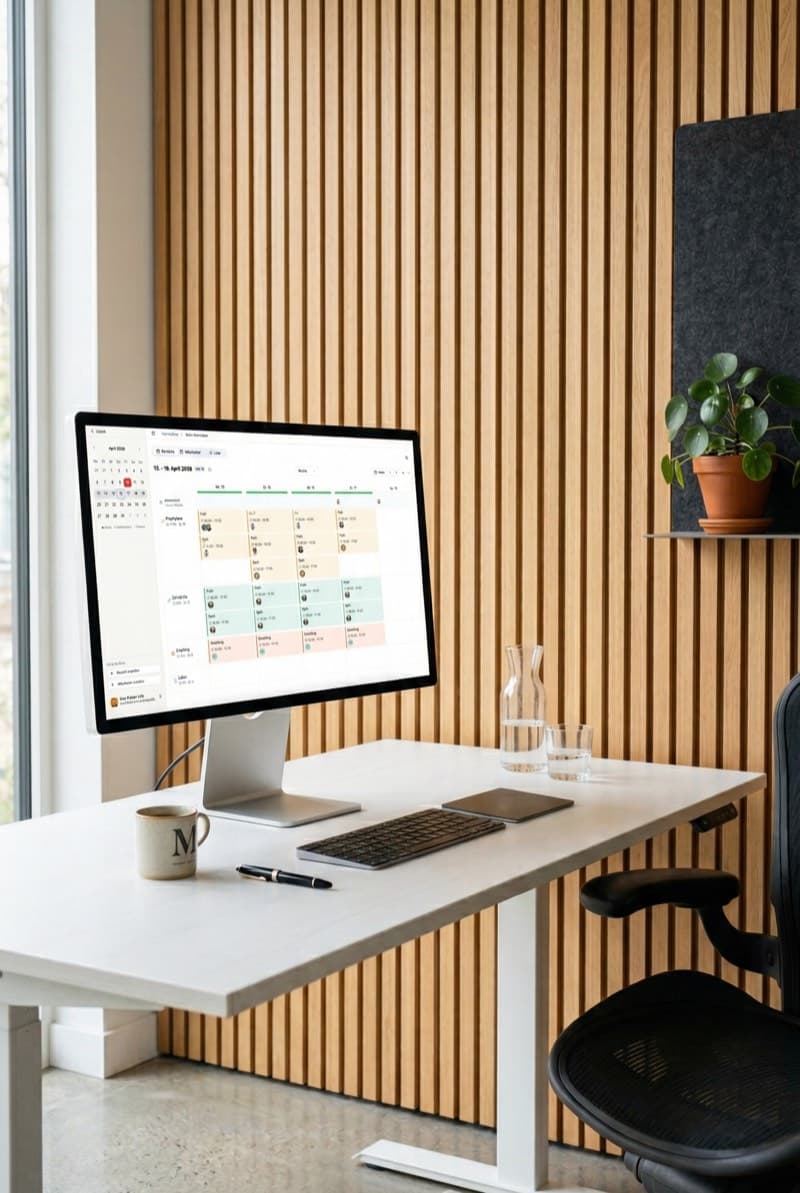
Group practices
Several practitioners, one team: a shift can also be assigned to the doctor it is planned for.

Clinics and several sites
Whoever covers at two sites appears in both plans and still counts as one person.
The team sees shift, time and practitioner
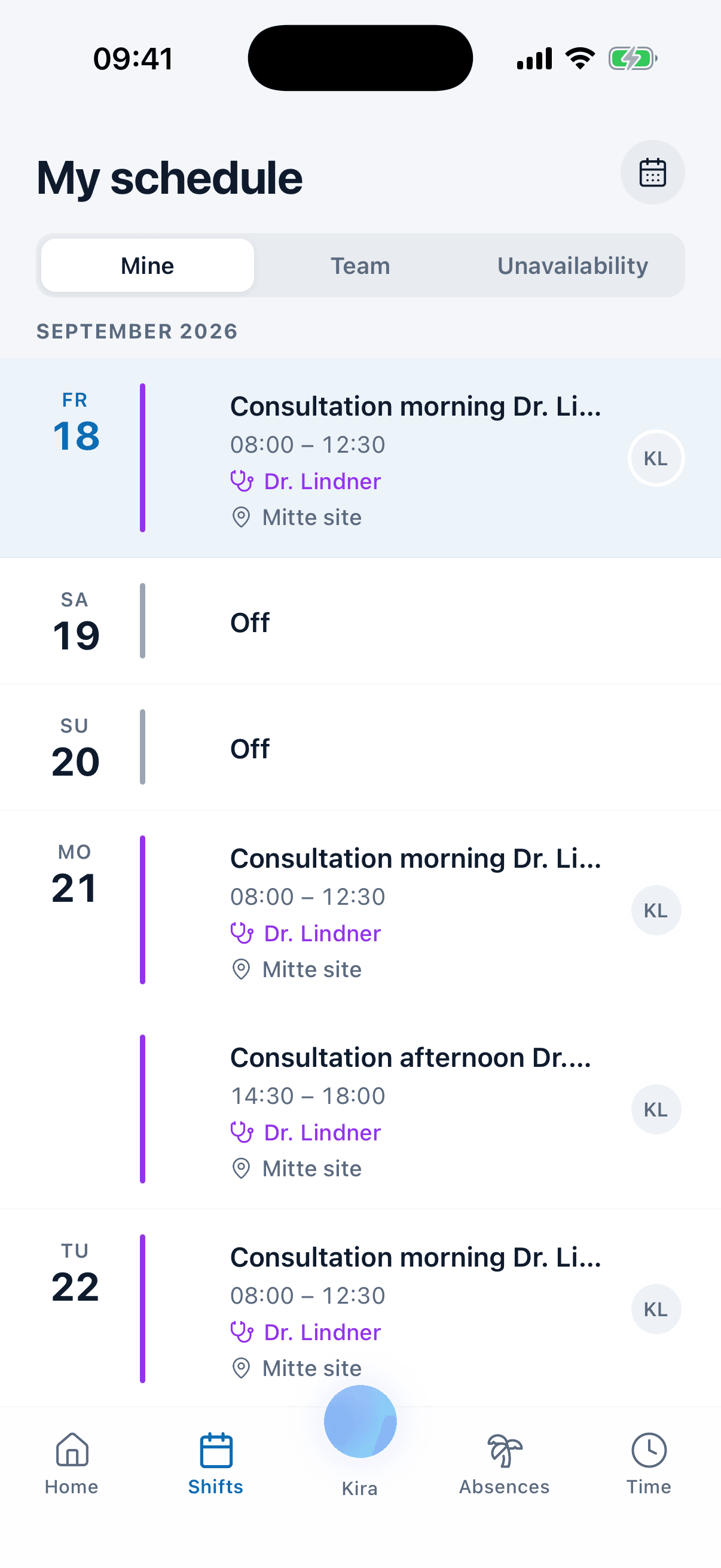
Your staff's plan carries the name of the consultation, the doctor it was planned for and the site, not just the time. Days off sit in it as their own row.
- Consultation morning is the shift's name, not a code.
- The practitioner can be assigned to a shift as well.
- Still planning in a spreadsheet start from our free template and move over later.
Sick note and cover in one go
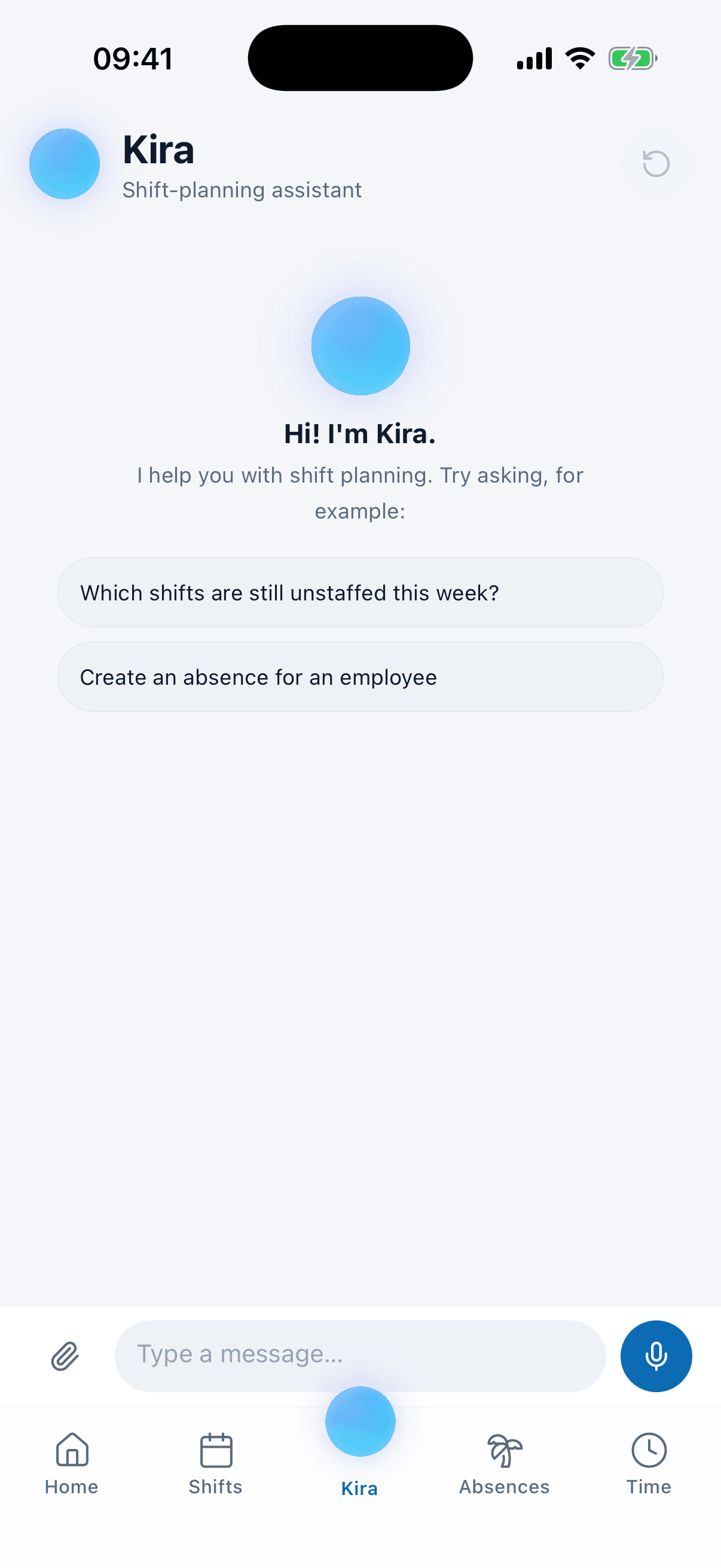
Tell Kira that someone is out for the week. She records the absence, takes that person out of their shifts and looks for cover for all the freed shifts at once. Every change is put to you as a card, and you confirm it.
- Who can comes with where their hours would stand after.
- Anyone a practice rule rules out is not offered at all.
- If nobody is found Kira says so, rather than letting the day drop.
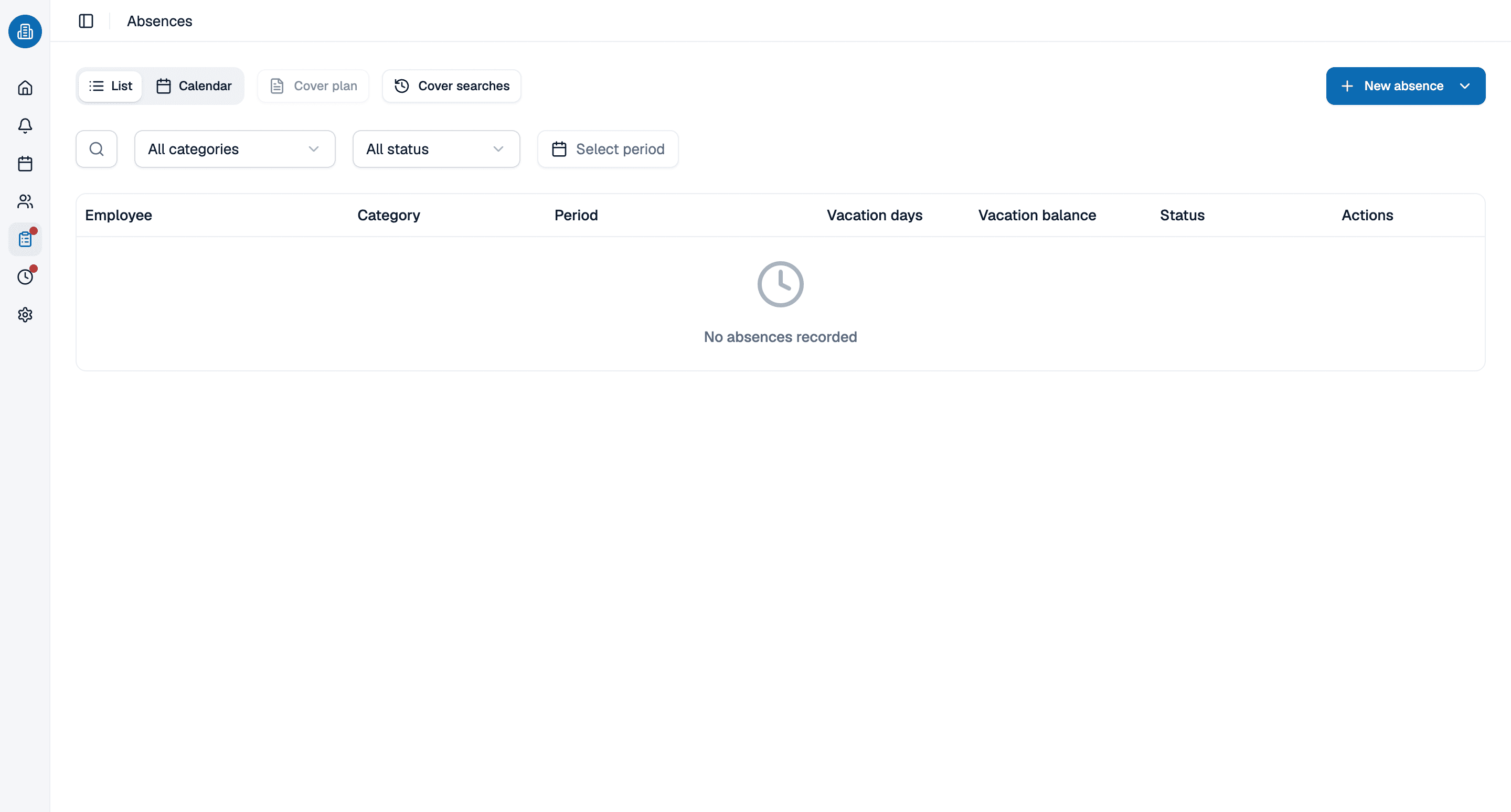
Leave and drop-outs live in the same plan
An approved absence leaves a visible gap in the week and is checked again at the next assignment. Half days count as 0.5.
- Overlaps report themselves as you enter them.
- Public holidays come from the import, per location.
- The vacation account calculates itself from confirmed days.
Let us show you the schedule in 30 minutes
We will show you how consultation hours, working areas and cover work together. Pick a slot, we will take care of the rest.
- 30 minutes
- Via Google Meet
- Free and without obligation
1. Pick a slot
All times in Europe/Berlin.
Sunday, September 20
Frequently asked questions about scheduling in a medical practice
You create working areas such as reception, lab or treatment room and plan shifts into them. Early, late and split shifts get their own shift times.
Yes. Each person carries their own weekly and daily target hours, so part-timers hold different values from full-timers. The check as you assign works with that too.
You mark the absence and start a replacement request. medishift checks who is available and qualified and where conflicts would arise. Colleagues can then pick the shift up themselves.
Yes. Alongside the person working it, a shift carries the practitioner it is planned for, with a release list of who may be scheduled for whom.
Yes. Several locations live in one account, each with its own working areas and plan. Someone working at two sites stays one person, and the conflict check sees both shifts.
For teams of up to ten employees medishift is free forever, including the schedule, absences and the mobile app. You do not need payment details.