
Timesheet Template with Overtime: Excel & PDF
Free timesheet template for Excel and as a printable PDF: four weeks for one person, with weekly overtime, pay at your overtime rate and break and rest checks.
Updated November 2026 · Excel and PDF · no sign-up
Without Excel: do it in medishift instead, start for free →
What's in the template
Each sheet has one job. This is how they work together.
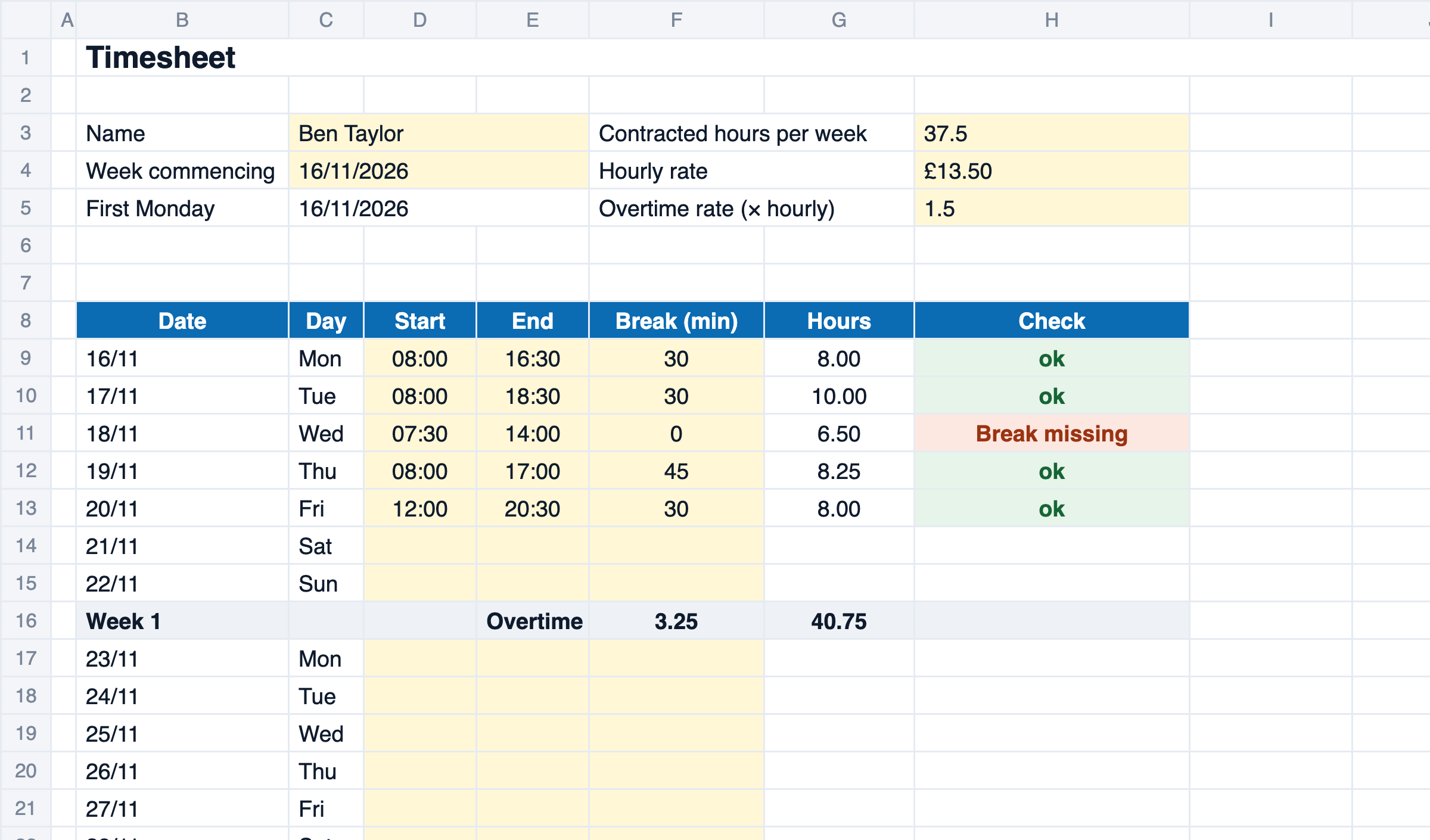
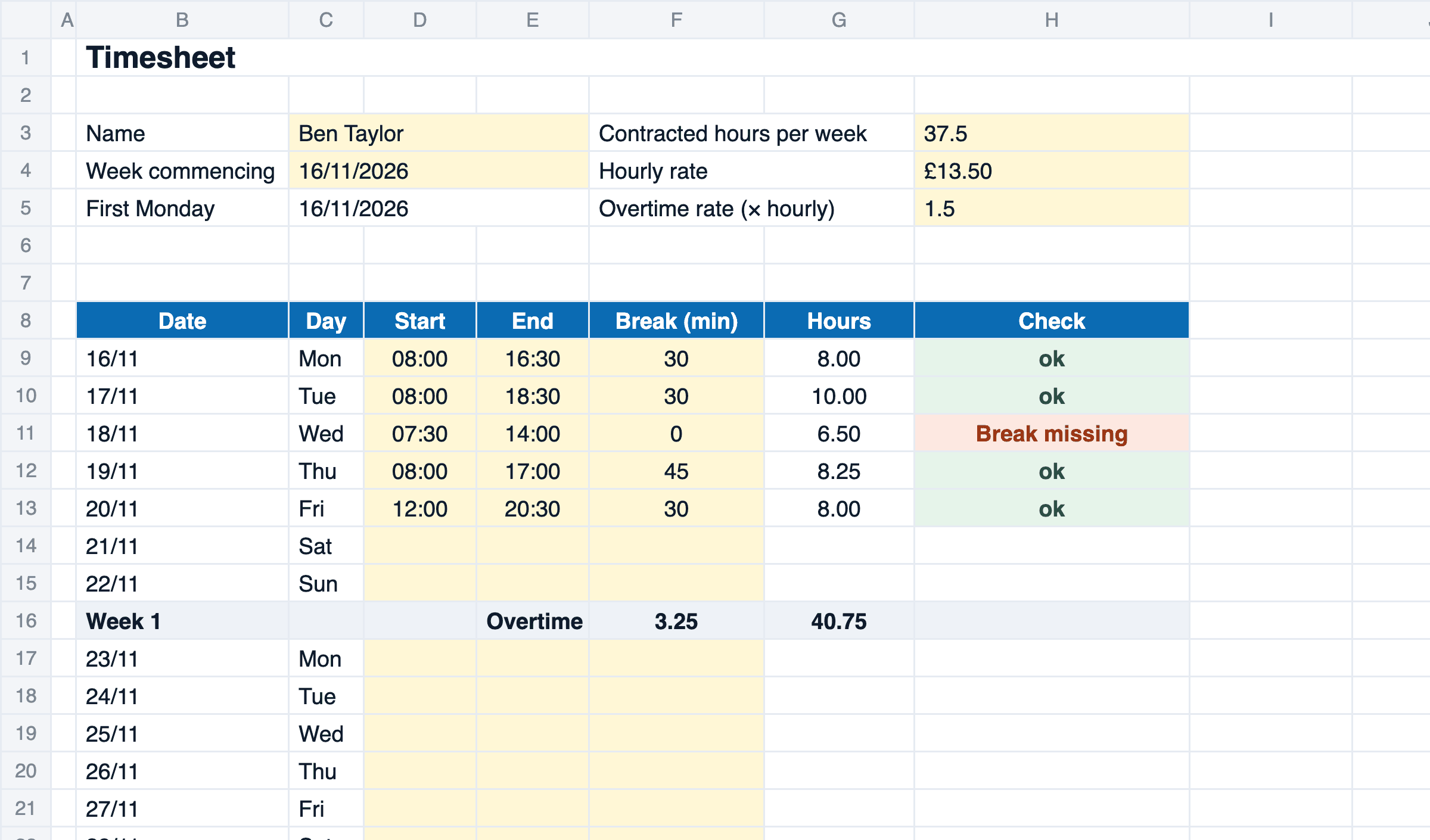
This timesheet template records four weeks of hours for one person in Excel. You enter start, end and break; the file works out hours per week, overtime above the contracted hours and pay at your overtime rate. To fill in by hand there is the same timesheet as a blank PDF.
How to fill in the template
- Enter the name, week commencing date, contracted hours, hourly rate and overtime rate.
- For each day, enter start, end and break in minutes.
- Check the totals, overtime and pay, and any red finding in the ‘Check’ column.
- Print, sign and hand in, or use the blank PDF to fill in by hand.
How the template calculates
Hours = end − start − break (if the end is before the start, it is the next day)Overtime per week = hours above the contracted weekly hoursPay = (hours − overtime) × hourly rate + overtime × hourly rate × overtime rate| 20-minute break when working time is more than 6 hours | WTR 1998 reg 12 |
| At least 11 hours of rest between two shifts | WTR 1998 reg 10 |
| Records that show the 48-hour average is kept to, held for two years | WTR 1998 reg 9; NI: WTR (NI) 2016 reg 11 |
Limits of the template
For a small team the file is enough. This is where it reaches its limits.
- Northern Ireland has its own Working Time Regulations (2016) with the same rules under different regulation numbers.
- One file is one person for four weeks.
- Overtime is counted per week above the contracted hours; paid breaks, unsocial hours rates and TOIL rules are not built in.
- Bank holidays are not marked; leave the day empty or note it.
- Collecting and signing happen on paper or by email.
Excel timesheet or medishift
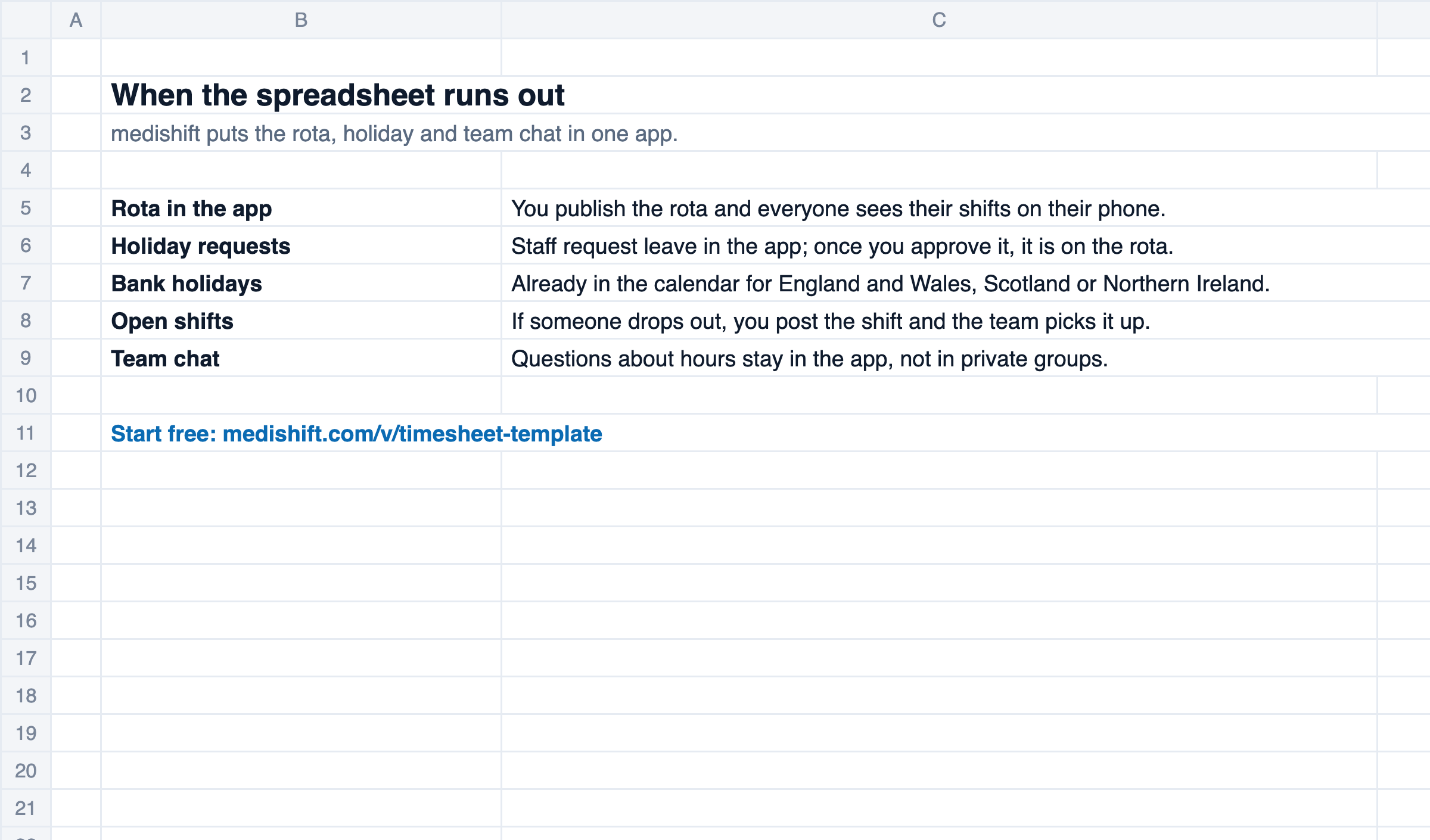
The template is enough when a handful of people hand in their hours once a month. When you want to check hours as they come in, medishift records them in the app.
| Criterion | Excel template | medishift |
|---|---|---|
| Recording hours | partly: typed in at the end of the week | yes: clock in and out in the app or on a tablet with a PIN |
| Checking | partly: chase sheets, then add up | yes: entries arrive as they happen, you approve them |
| Rest and long weeks | partly: red finding in the ‘Check’ column | yes: entries under 11 hours of rest or over 48 hours a week are flagged |
| Overtime | partly: per sheet and per week | yes: an overtime balance for each person |
| Signing off | partly: print and sign | yes: approve in the app |
Time tracking is not part of the free plan of medishift. You can try every feature for the first 14 days.
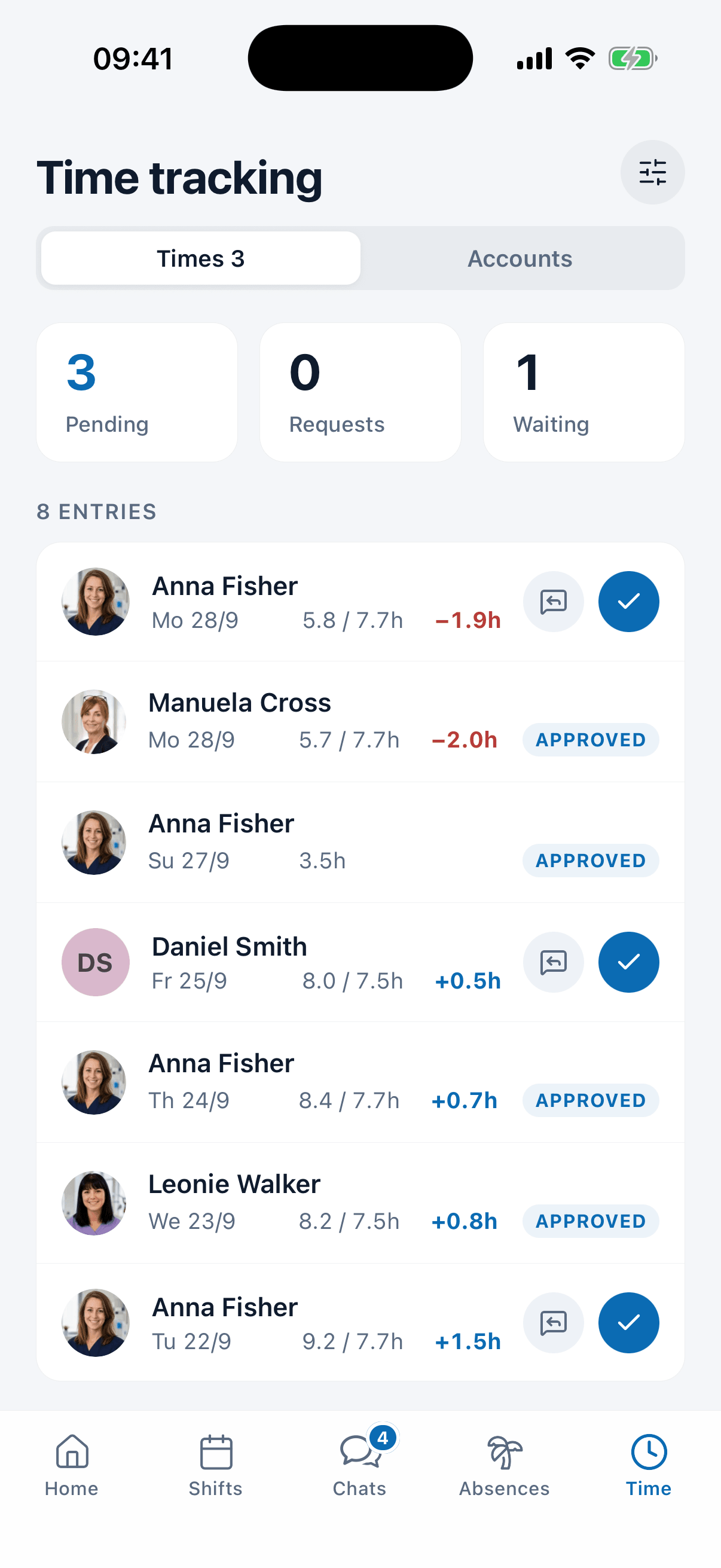
Clock in instead of filling in
In medishift staff clock in and out in the app or on a tablet with a PIN. Breaks are recorded too, and entries with less than 11 hours of rest are flagged. Time tracking is not part of the free plan; you can try every feature for the first 14 days.
See medishift in 30 minutes
We show you, using your own team, how rota, time tracking and leave work together without Excel. Pick a time that suits you.
- 30 minutes
- Via Google Meet
- Free and without obligation
1. Pick a slot
Wednesday 18 November
FAQ: Timesheet template
Yes. You download it as an Excel file or a blank PDF, without signing up.
For every week it takes the hours worked above the contracted weekly hours. A short week does not cancel out a long one, because overtime is counted week by week.
Yes. Enter the hourly rate and the overtime rate, for example 1.5 for time and a half. The file shows basic pay, overtime pay and the total for the four weeks.
Yes. More than six hours of work with under 20 minutes of break turns the day red (regulation 12 of the Working Time Regulations 1998), and so does a start less than 11 hours after the last shift ended (regulation 10).
Yes. The blank PDF has the same layout to fill in by hand, with signature lines for the employee and the manager.
Yes. The file uses only functions that Excel and Google Sheets both know, so the totals and checks work after you upload it to Google Drive.
Related templates
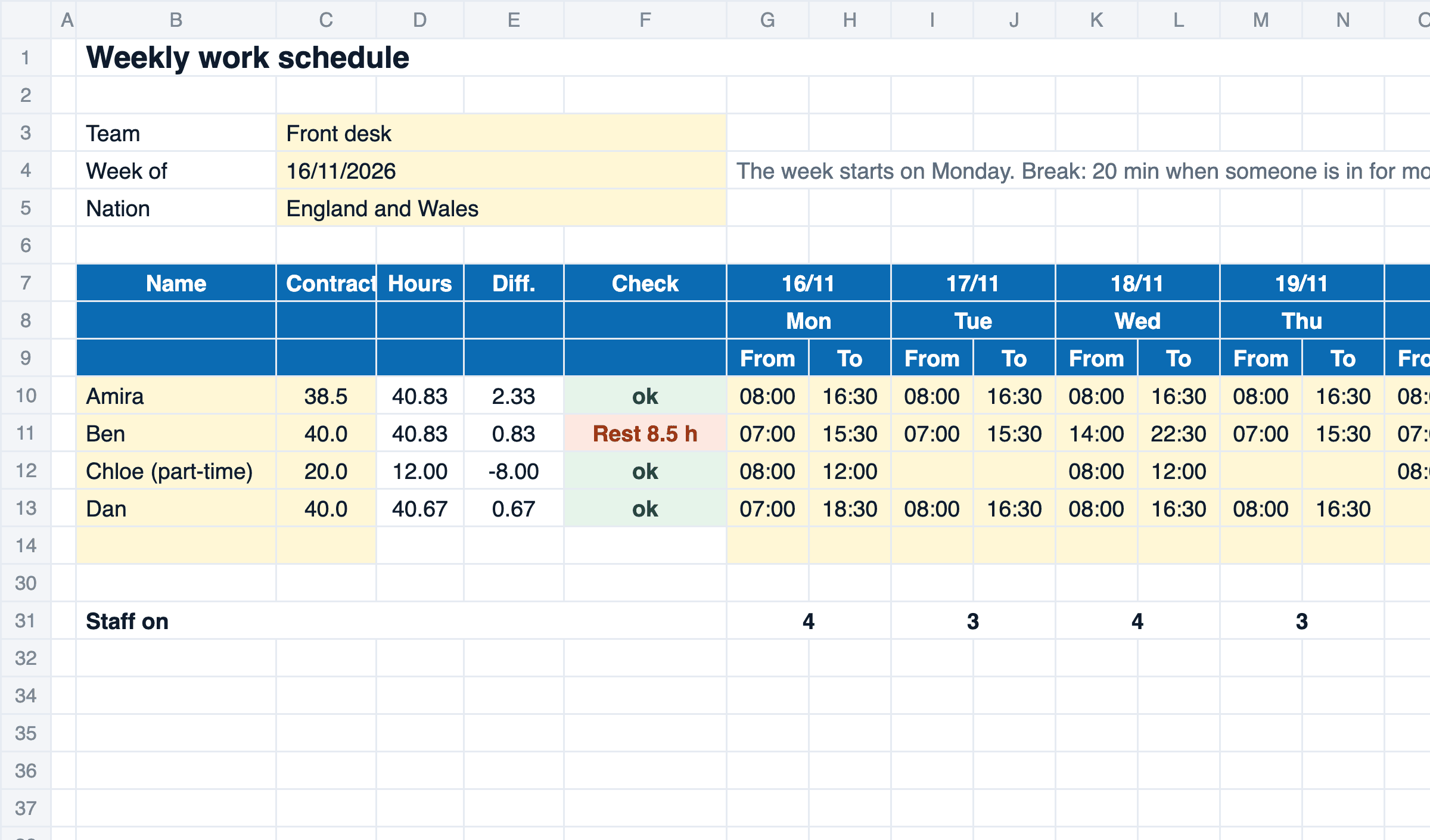
Weekly Work Schedule Template: Free Excel & PDF
Free weekly work schedule template for Excel and as a printable PDF: start and finish times, hours against the contract, rest checks and a monthly plan.
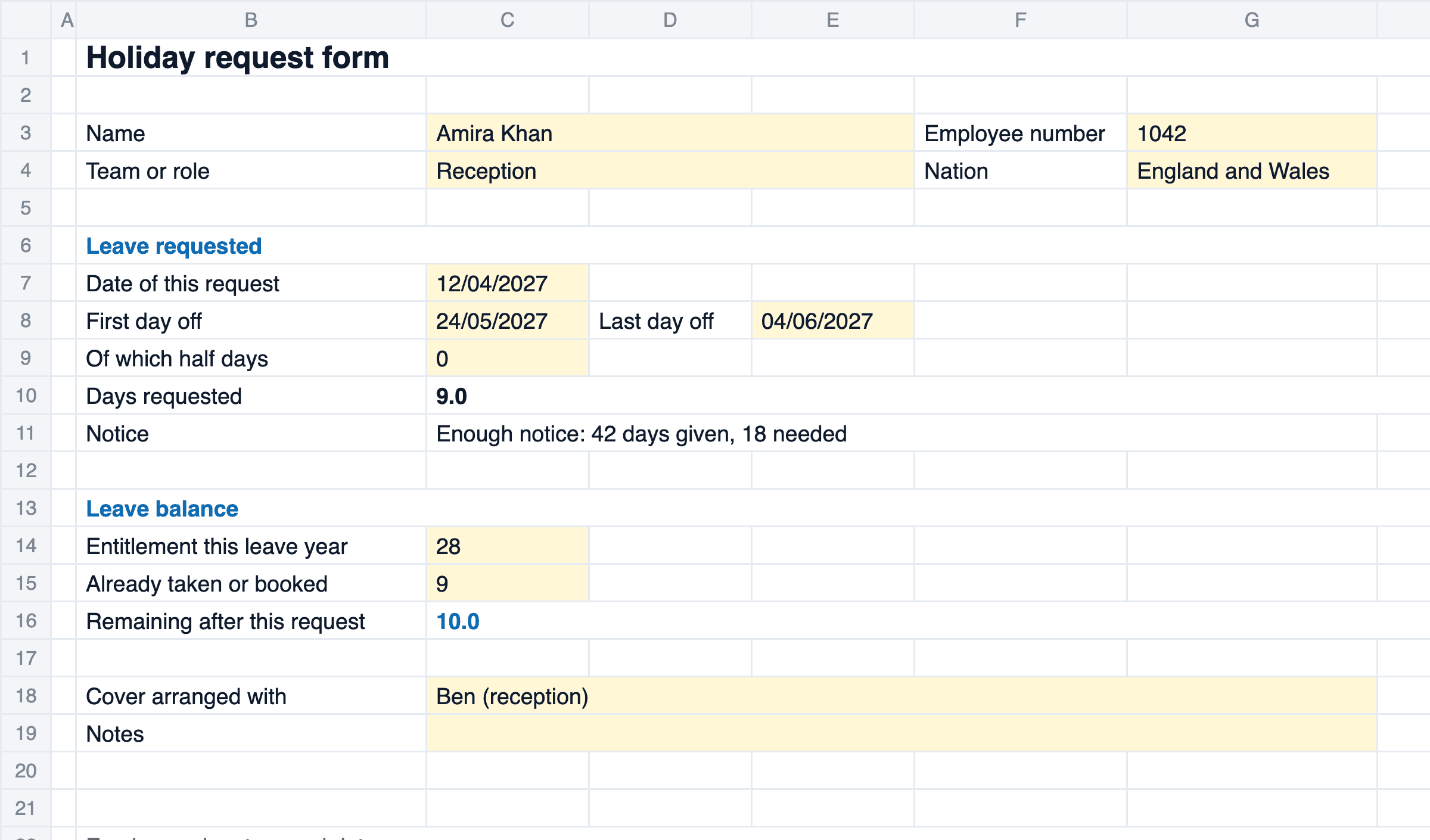
Holiday Request Form: Free Template, Excel & PDF
Free holiday request form as Excel and PDF: days counted without weekends and UK bank holidays, a notice check under the Working Time Regulations and sign-off.
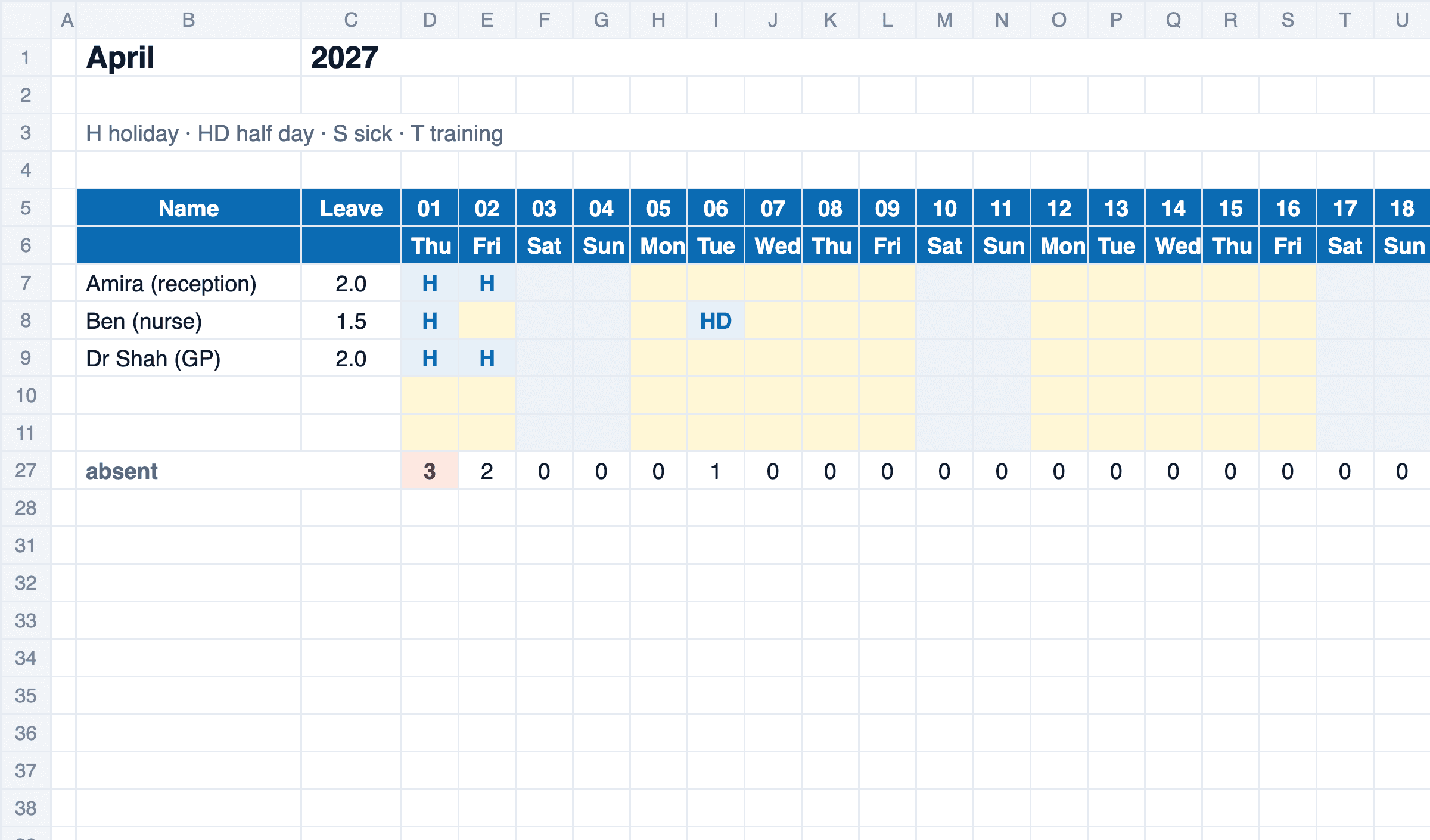
Staff Holiday Planner: Free Excel Leave Tracker
Free staff holiday planner for Excel: a year for up to 20 staff, statutory entitlement worked out, UK bank holidays by nation, a warning when too many are off.