
Hospital scheduling software for the people who build the unit schedule
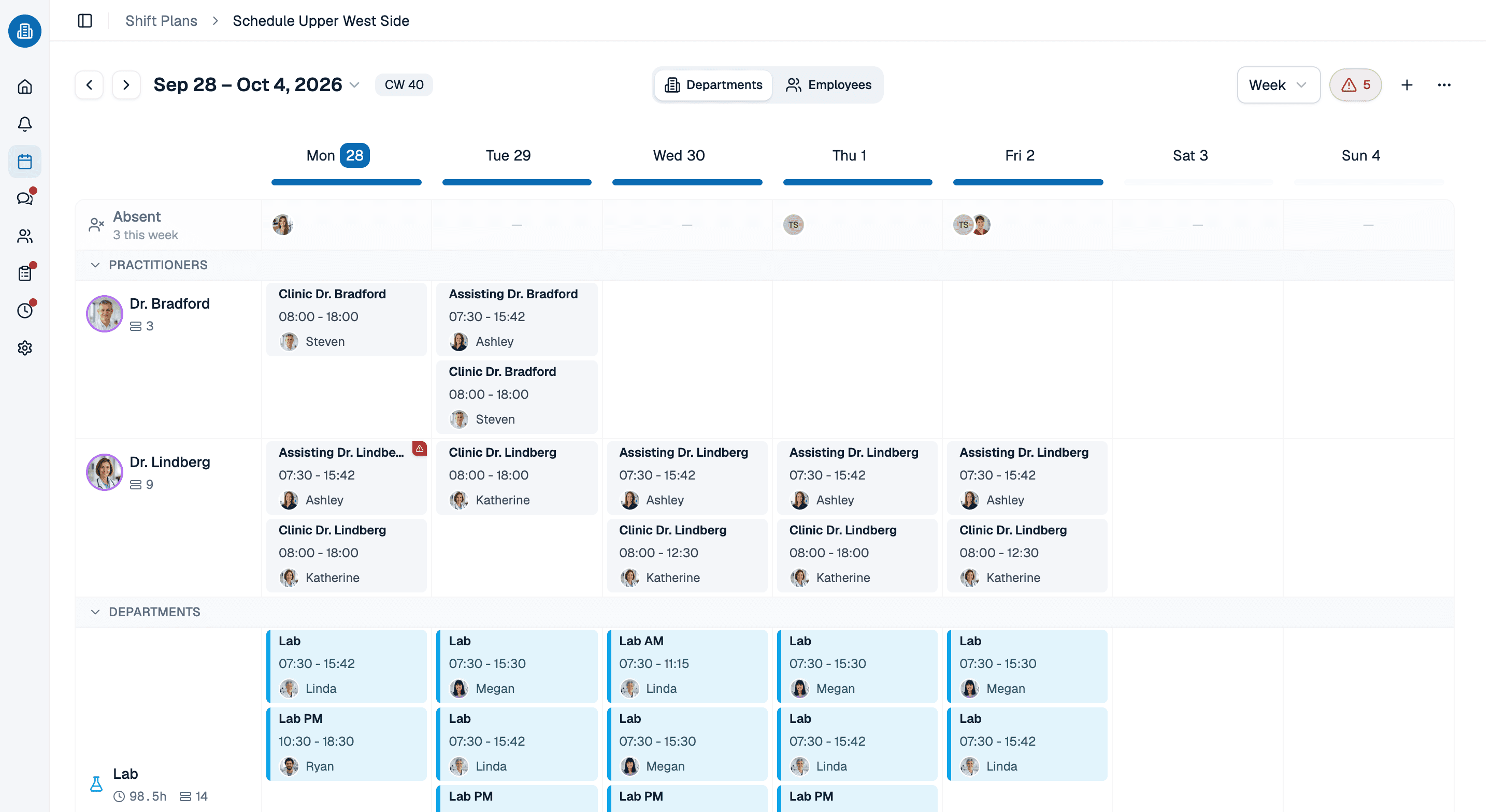
Hospital scheduling software for unit and department managers: set up each unit as a work area, save day, night and 12-hour shifts as templates, and get a warning while you assign when a rest gap, a qualification or an approved day off says no.
- Every unit and department as its own work area, with its own shifts
- Rest gaps, daily hours and qualifications checked as you assign
- Free for up to ten people, permanently, with no card details
More than 100 practices already trust medishift





How a unit schedule comes together, in five passes
Two ways to staff the same unit
A spreadsheet per unit and a phone tree
- Every unit keeps its own file, and nobody sees across them.
- A night shift followed by a day shift slips through unnoticed.
- Who is cleared for which unit lives in the manager's head.
- Open shifts are filled by calling down a list.
- A swap happens in a text message the schedule never hears about.
Hospital employee scheduling software, unit by unit
- Every unit is a work area in one shared system.
- The rest gap warning shows up as you assign the shift.
- Qualifications are checked against the unit automatically.
- Open shifts are posted, and staff pick them up in the app.
- Swaps go through the schedule, and everyone is notified.
Which hospital schedule are you building?

Inpatient units
Day and night shifts around the clock, where a rest gap between nights and days decides more than any preference.

ED, OR and imaging
Departments with their own hours and their own qualifications, sharing staff with the floors next door.

Hospital clinics and labs
Weekday hours, early and late coverage, and a team that rarely works the same days twice.

Community and critical access hospitals
A small team covering a lot of hours, often across a second site with its own holiday calendar.
Your rules, applied to every unit
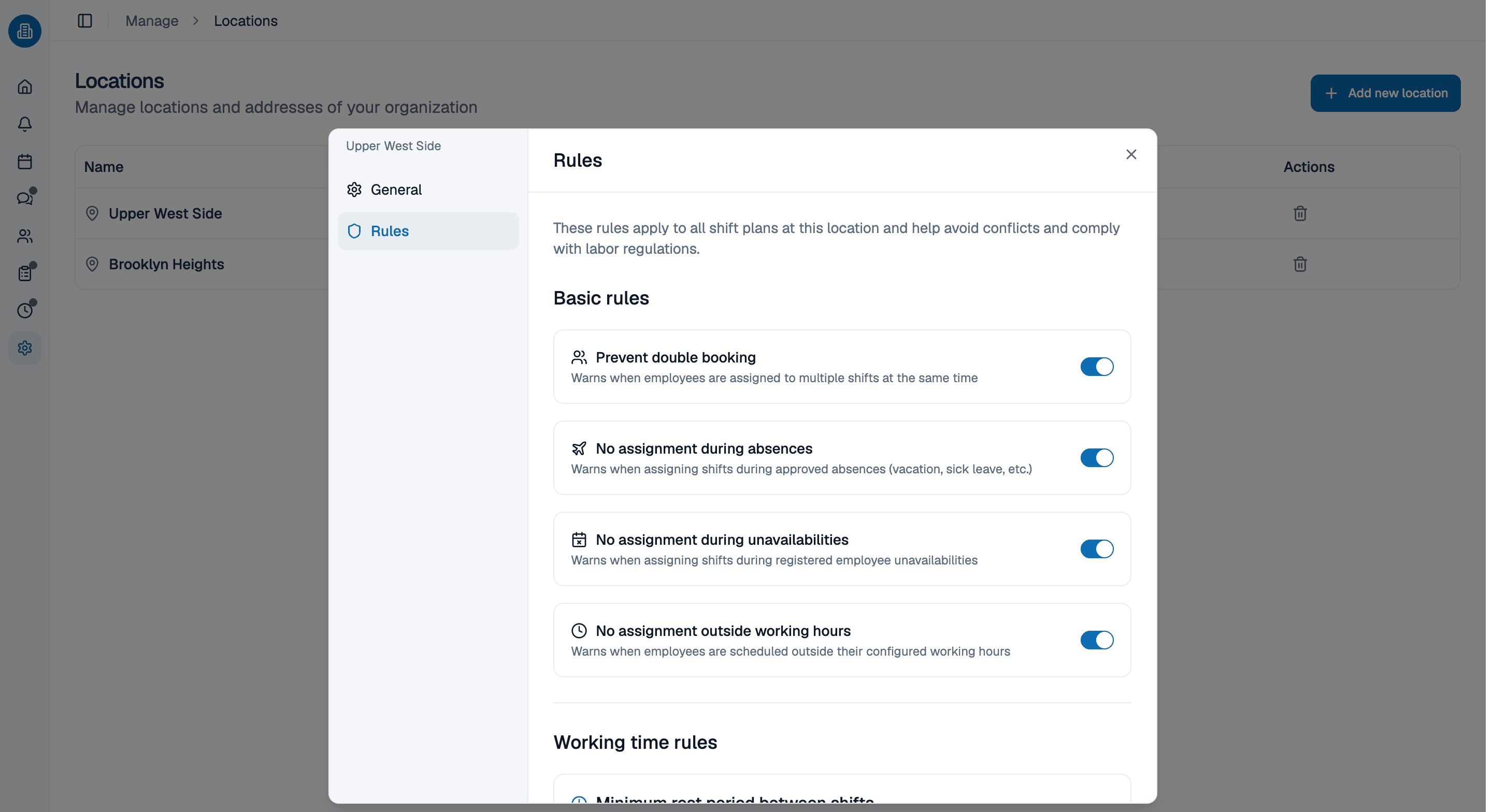
Warnings only work if the rules are written down somewhere other than in your head. Set them per location, and they apply to every schedule there. If a rule needs more than a switch, tell Kira in a sentence, such as every night shift needs someone who can take charge, and it checks the schedule against that rule from then on.
- Rest gap and daily hours are checked against every shift you assign.
- Rules in plain English go to Kira and become part of the check.
- Each warning names the rule, so you can decide on the exception.
The schedule your staff actually check
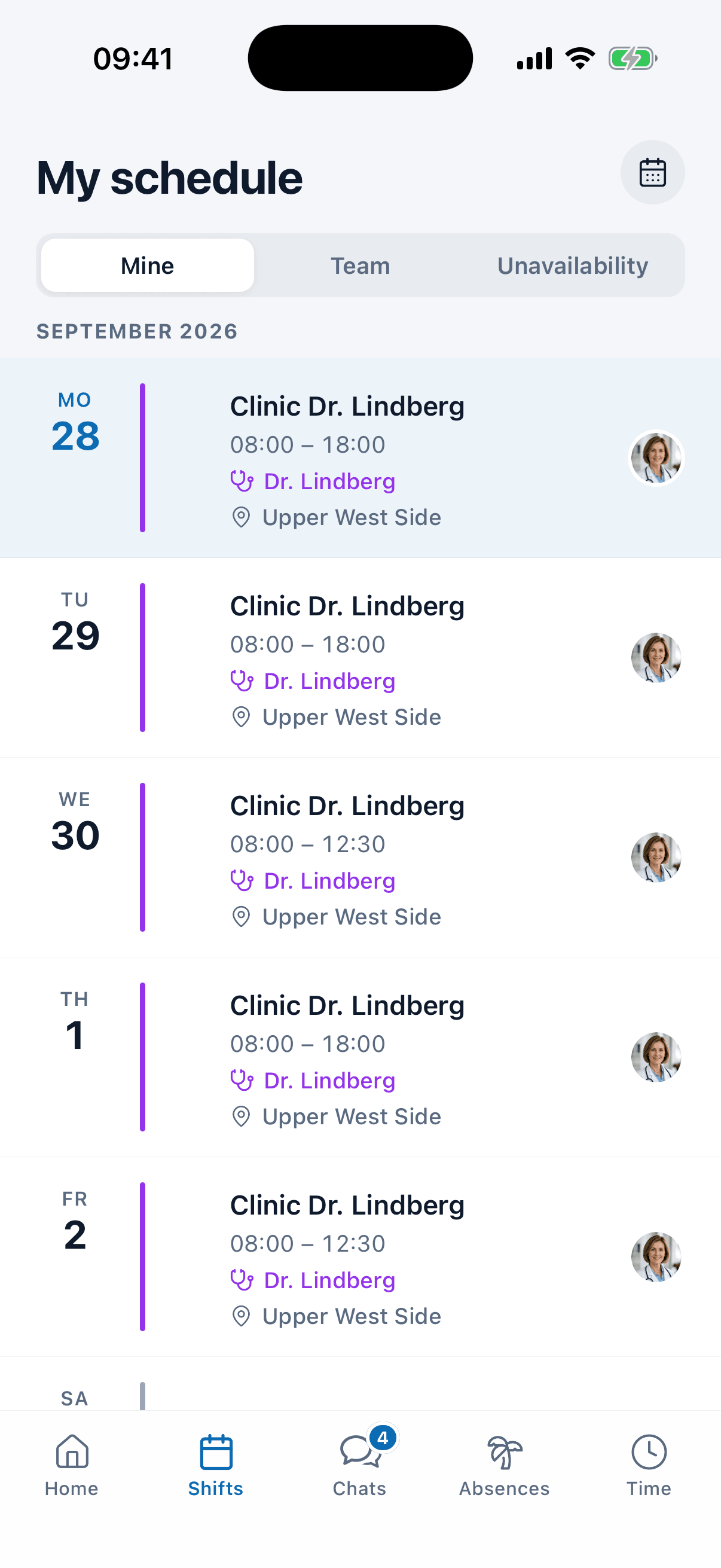
On their phones, nurses, techs and unit clerks see their own shifts, their unit and their location in the app. They request time off, mark when they cannot work and pick up open shifts there. When a sick call comes in, an admin can tell Kira, which books the absence, takes the person out of their shifts and names who could cover, with the reason each one can or cannot.
- Open shifts show a capacity such as 2 of 3, so nobody overfills them.
- Shift swaps go to one colleague or to the whole unit at once.
- Messages stay in the team chat next to the schedule, not in a private group text.
Build one unit's schedule with us, in 30 minutes
Bring the unit that gives you the most trouble. We set it up in medishift with you, shift templates, rules and all, and stop wherever it gets interesting. Thirty minutes, and you keep whatever we built.
- 30 minutes
- Via Google Meet
- Free and without obligation
1. Pick a slot
Thursday, October 8
Hospital scheduling software: common questions
No, and it does not pretend to be. medishift fits the managers who build the schedule for a unit, a department or a smaller hospital themselves. It does not connect to an EHR, does not staff by patient acuity, does not run call schedules as a separate function and does not hand hours to payroll on its own. If you need those, an enterprise suite is the better match; if you need a schedule your unit can trust by Friday, this is hospital scheduling software a unit manager can set up without waiting for IT.
No. medishift does not offer HIPAA compliance and does not sign a Business Associate Agreement, and its data is hosted in Europe. It is hospital scheduling software for staff, not patients, so keep patient details out of shift names and notes. If your compliance team requires a BAA for any staff tool, medishift is not the right choice.
Yes. Day, night and 12-hour shifts are shift templates with their own times, unit and required headcount. A week template repeats them on the interval you pick, and the rest gap rule warns when a night shift is followed too closely by the next day shift.
An admin records the absence, or tells Kira in one sentence. Kira books it, removes the person from their shifts and proposes two or three people for each uncovered day who are free and qualified for the unit, with the hours each would end up at. You confirm who covers; nothing is assigned without you.
Yes. The United States can be selected as the location country, federal and state holidays are imported automatically, and time zones are adjusted. Each location keeps its own holiday calendar, so a second hospital in another state does not inherit the first one's holidays.
A team of ten or fewer pays nothing, permanently and without card details, and that includes the schedule, time off and the mobile app. Larger teams move to a paid plan, and the pricing page lists the prices.