
Work Time Tracking Template with Overtime - Free Excel
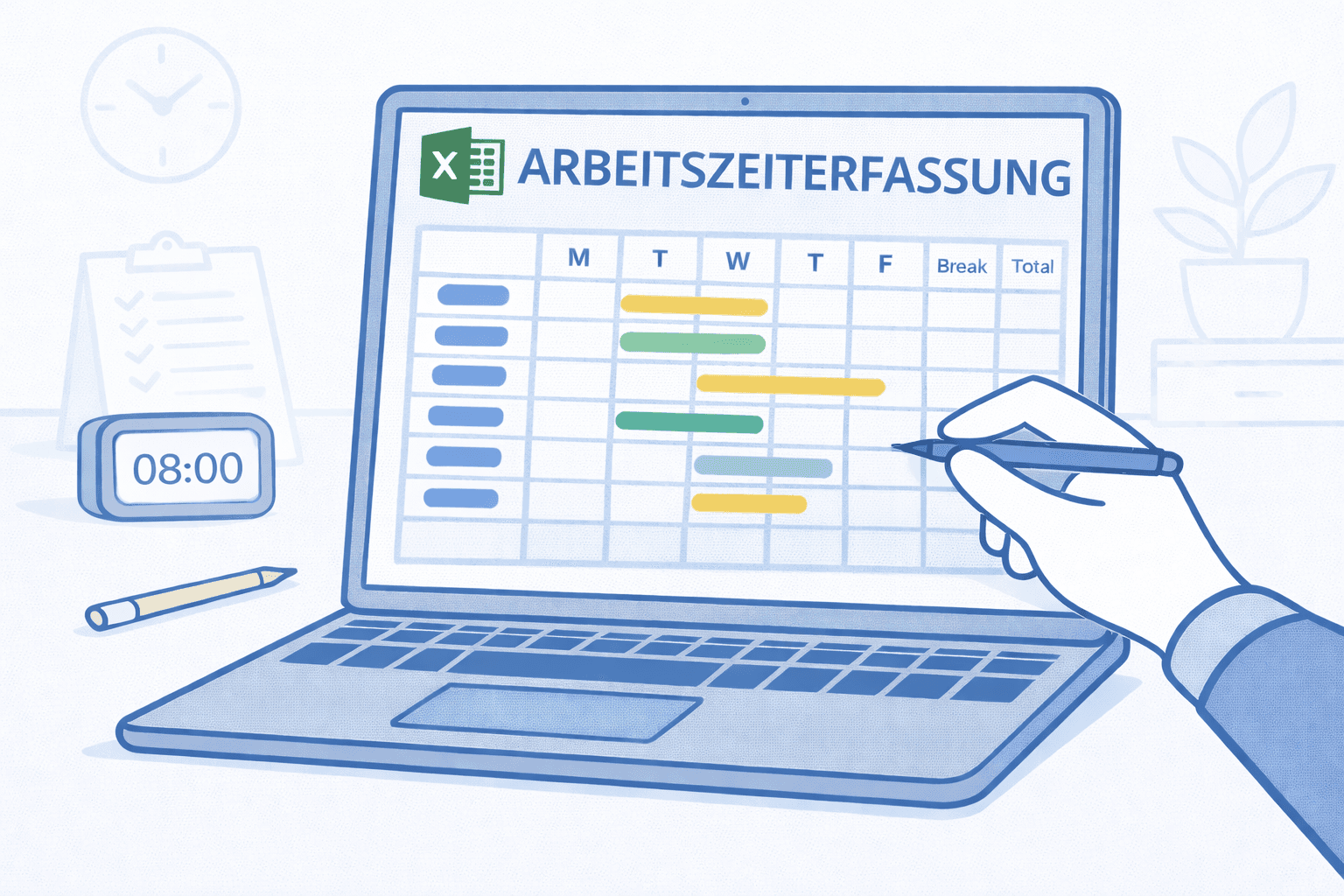
Free work time tracking template for Excel with overtime: target vs. actual hours, breaks and a running monthly balance are calculated automatically.
Medishift Advantages vs Templates
While Excel templates are a good start, Medishift as professional software offers significantly more efficiency and features.
Scheduling Software instead of Excel
Professional shift planning with multiple locations and teams, significantly more efficient than manual Excel spreadsheets
Unavailabilities & Rules per Location
Employees enter their own unavailabilities; configurable rules for minimum rest time and maximum working hours run automatically
Automatic Target/Actual Hours Calculation
Automatic calculation of working hours and overtime: Excel templates cannot provide this functionality
Intelligent Vacation Planning
Automatic conflict detection with absences, unavailabilities and double bookings: Excel templates show no warnings
Open Shifts System
Employees can register themselves for available shifts. Excel templates are not interactive
Shift Templates & Planning Rules
Predefined shift patterns and intelligent planning rules: Excel templates offer no automatic conflict checks and no rule-based warnings
High Quality Starts with Your Organization
Free yourself from old spreadsheets and manual processes.

How to Use the Template
Create your perfect schedule in just a few steps. Simply follow this guide.
Download the template
Download the free Excel template for work time tracking and open it in Microsoft Excel or Google Sheets.
Enter employee details
Enter the employee name, personnel number and weekly target working hours.
Record working hours
Enter the daily start time, end time and break duration. The actual hours are calculated automatically.
Review overtime
Check the target vs. actual comparison at the end of the month and carry the hour balance forward to the next month.
Print and sign
Print the completed timesheet and have it signed by both the employee and the supervisor.
🚀 Ready to Start?
Download the template and create your first professional schedule.
Frequently Asked Questions about Work Time Tracking Template with Overtime - Free Excel
Here you'll find answers to the most important questions about using this template.
Take Your Practice to the Next Level
Create schedules in minutes instead of hours, eliminate manual work, and give your team more planning reliability.
Start Free Now